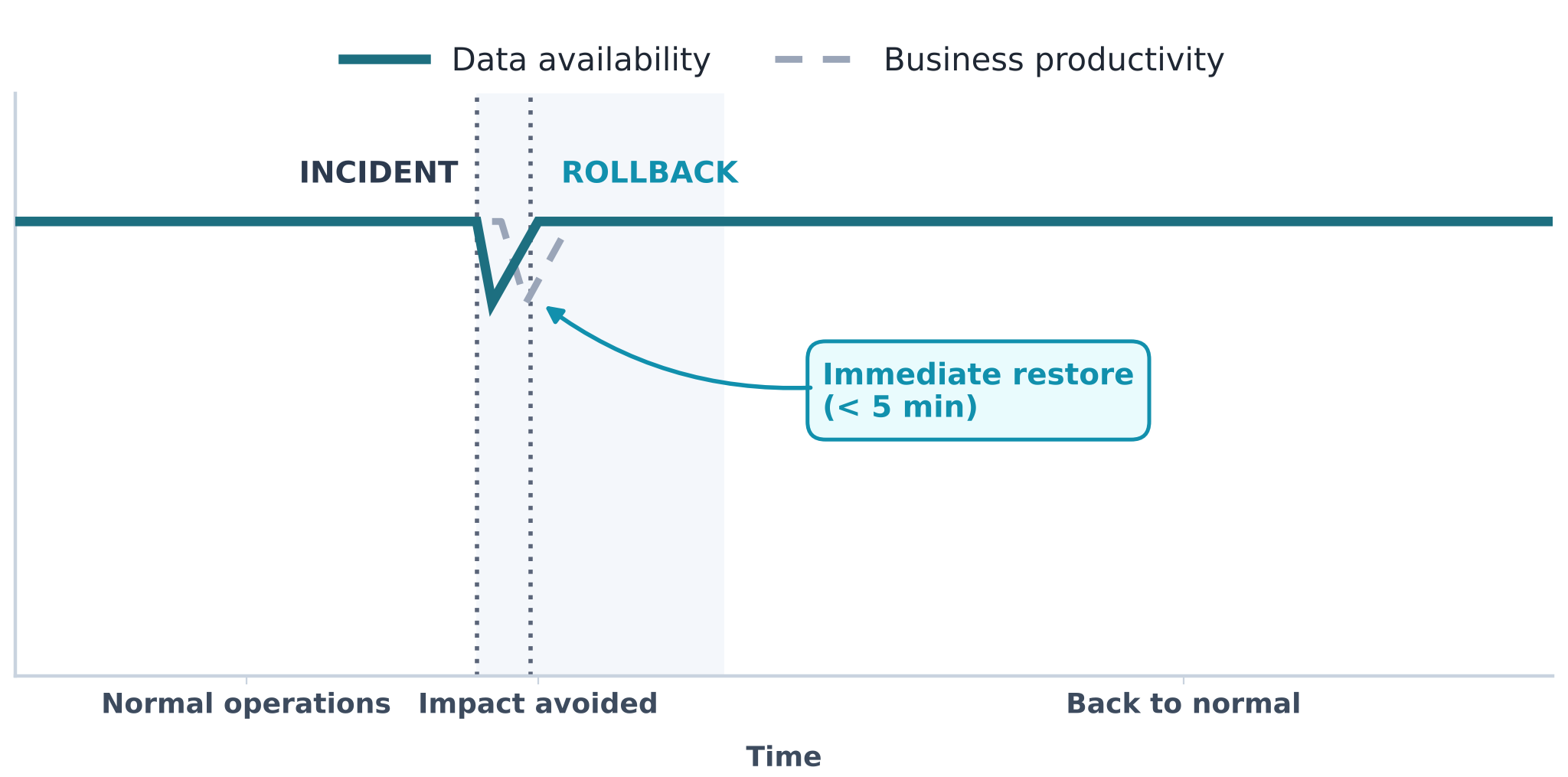

“The business model is versioned.” In our previous article on versioning, we explained how Graphicient keeps every version of your data without ever duplicating it.
That memory has a very concrete consequence: whatever has been kept can always be restored.
That is what we call rollback.
Mistakes are inevitable
In a living data system, the question is not whether an incident will happen, but when. Incidents usually come from three sources:
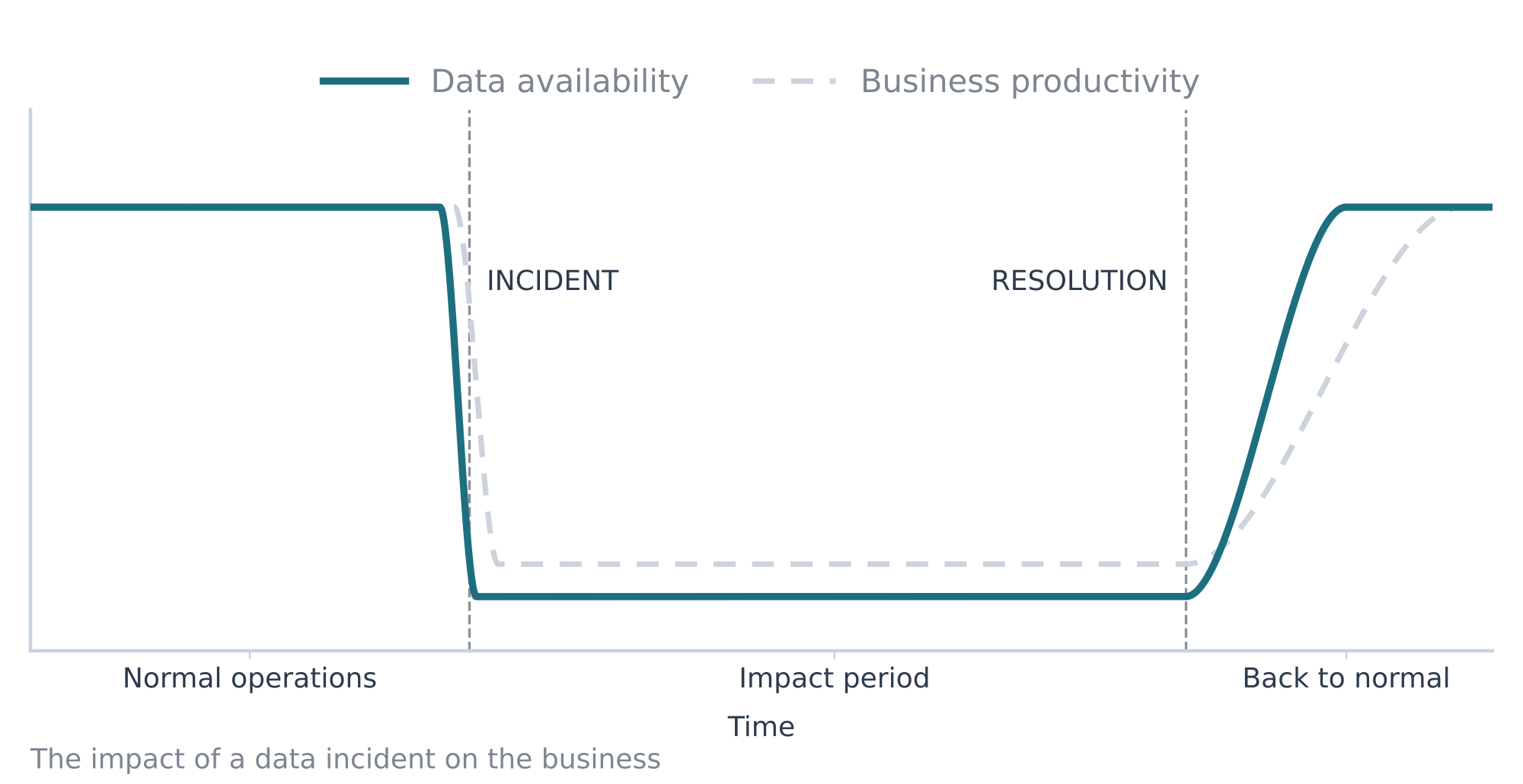
In a traditional system, each of these mistakes overwrites the previous data. Someone then has to rebuild by hand, dig out backups and cross-check files. Meanwhile, dashboards show wrong figures, teams wait and decisions get postponed.
What really costs money is the time during which the data can no longer be trusted.
A mistake spotted at 9:00 and fixed at 9:05 remains a minor incident. The same mistake, if it ties up a team for a whole day, becomes a business problem: decisions made on wrong figures, meetings postponed, trust in dashboards eroded. And the longer the rebuild takes, the higher the risk of introducing a new error while fixing the first one.
Just another Monday morning
The weekly load starts as usual. But the connection to the data lake has failed: one of the source tables arrived empty. The load finished with only part of the bills of materials.
Teams build their comparison dashboards. Links are missing: some items are no longer attached to their bill of materials, and the comparisons are skewed. Without history, someone would have to identify what is missing, rerun a full reload of the context, then wait.
With Graphicient, the team administering the context brings it back, from the administration panel, to its state before the load. The bills of materials are complete again and the comparison dashboards recover all their links.
The connection to the data lake is restored and the table checked. The data is included in the next load.
Nobody worked on incomplete comparisons, and nobody waited for a full reload.
Back to a known, reliable state
At Graphicient, every version of the data is kept along with its validity period. A change never replaces the previous state: it is added to it.
Going back therefore does not mean rebuilding. All it takes is to find the exact state of the data just before the incident, then restore it.
Whatever caused the problem, the answer is the same. In practice, the rollback applies to a given date, for all the nodes and links of a specified context. The source is then fixed during the day, and the corrected data is available from the next load.